Blurit Studio, your Trusted Redaction Platform
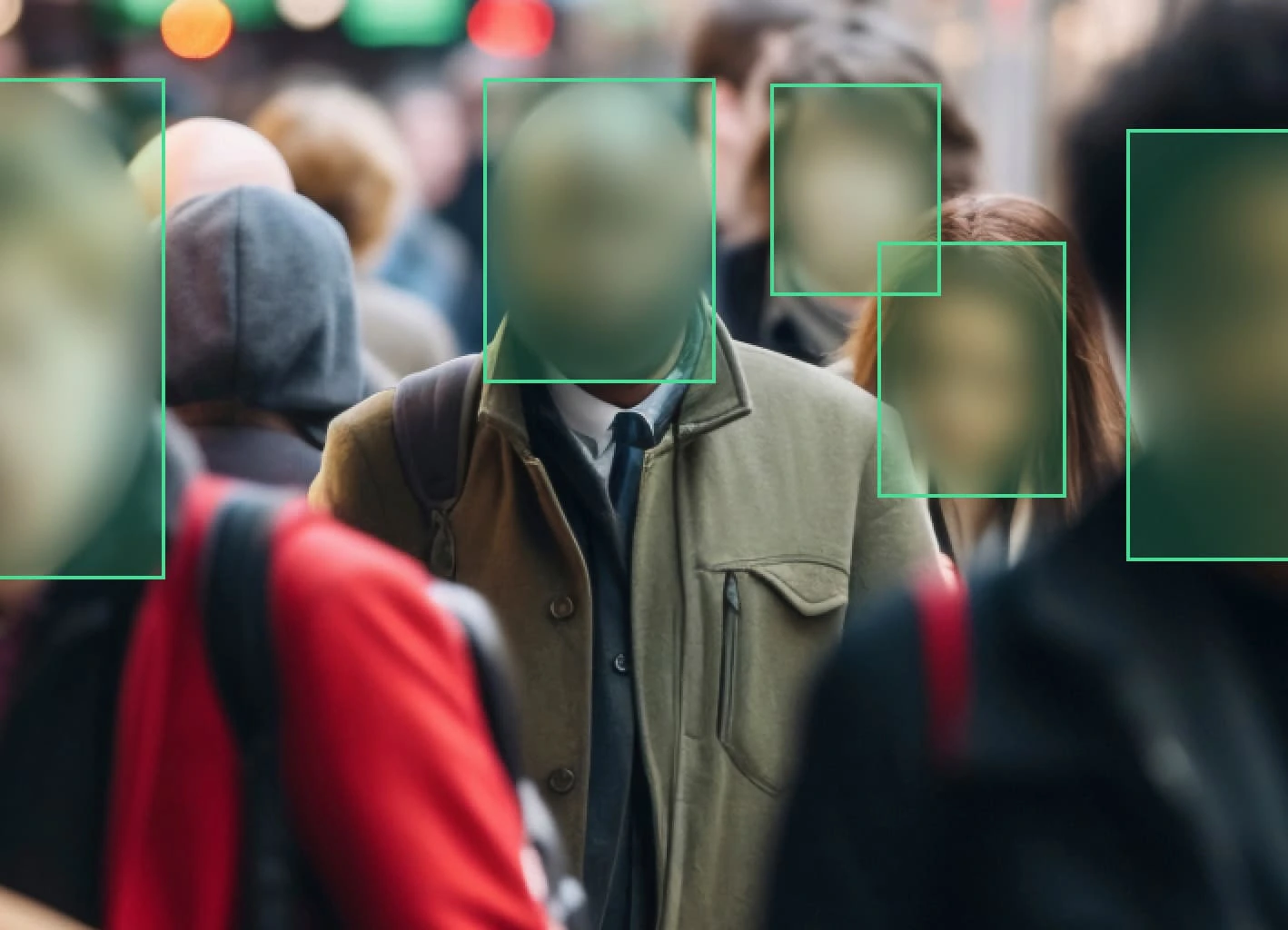
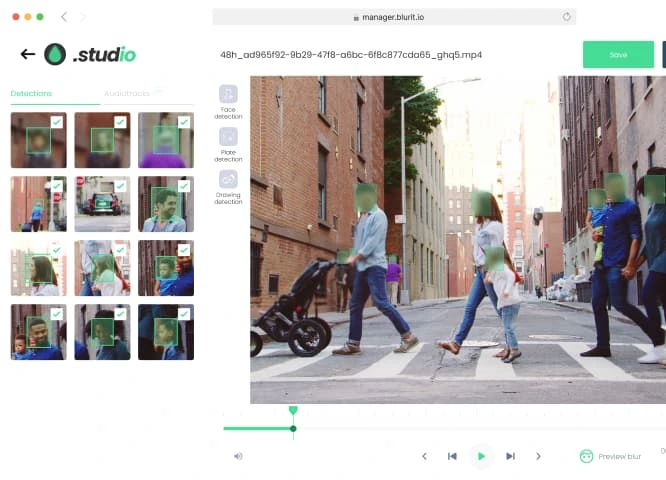
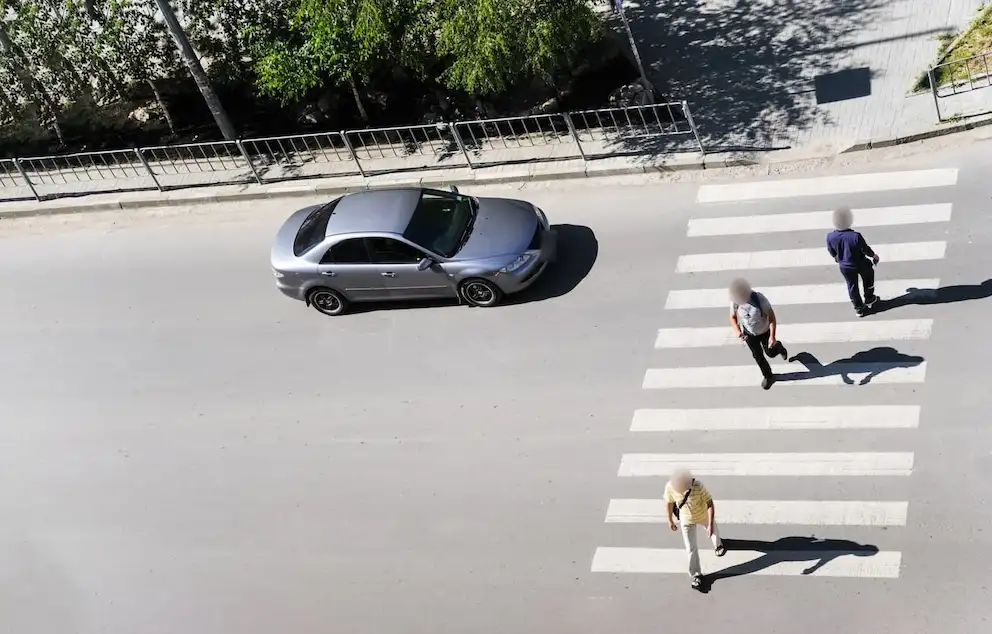
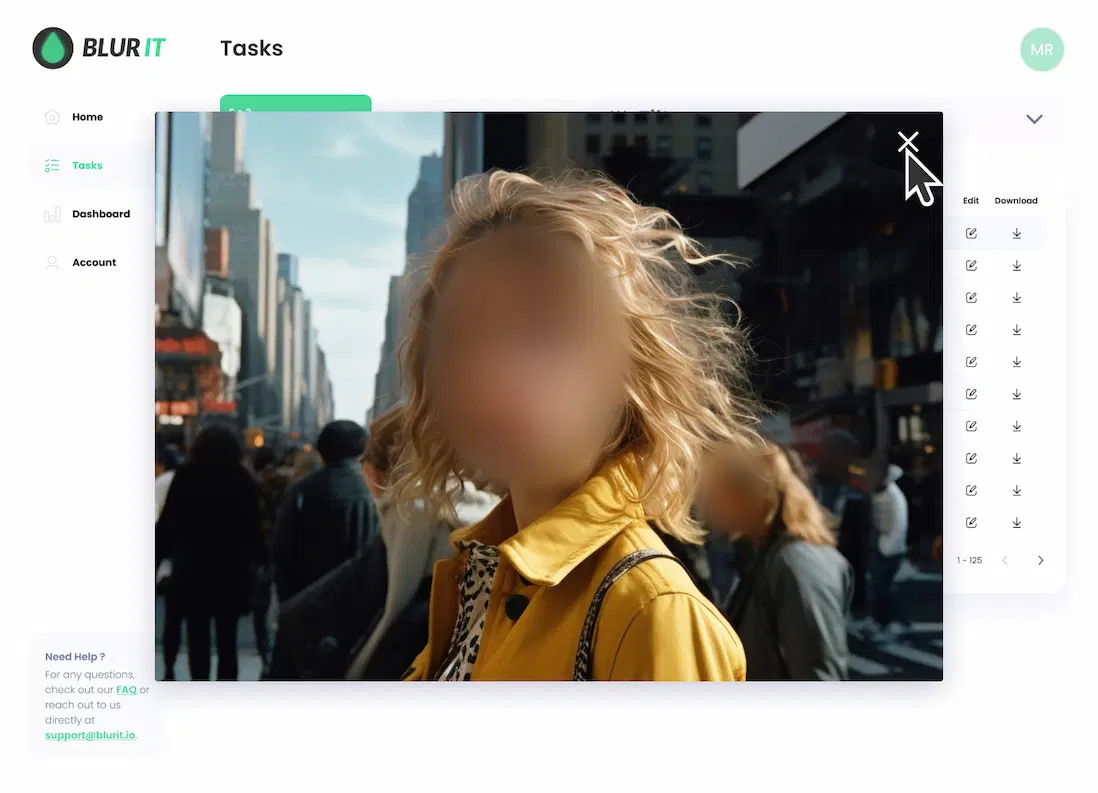
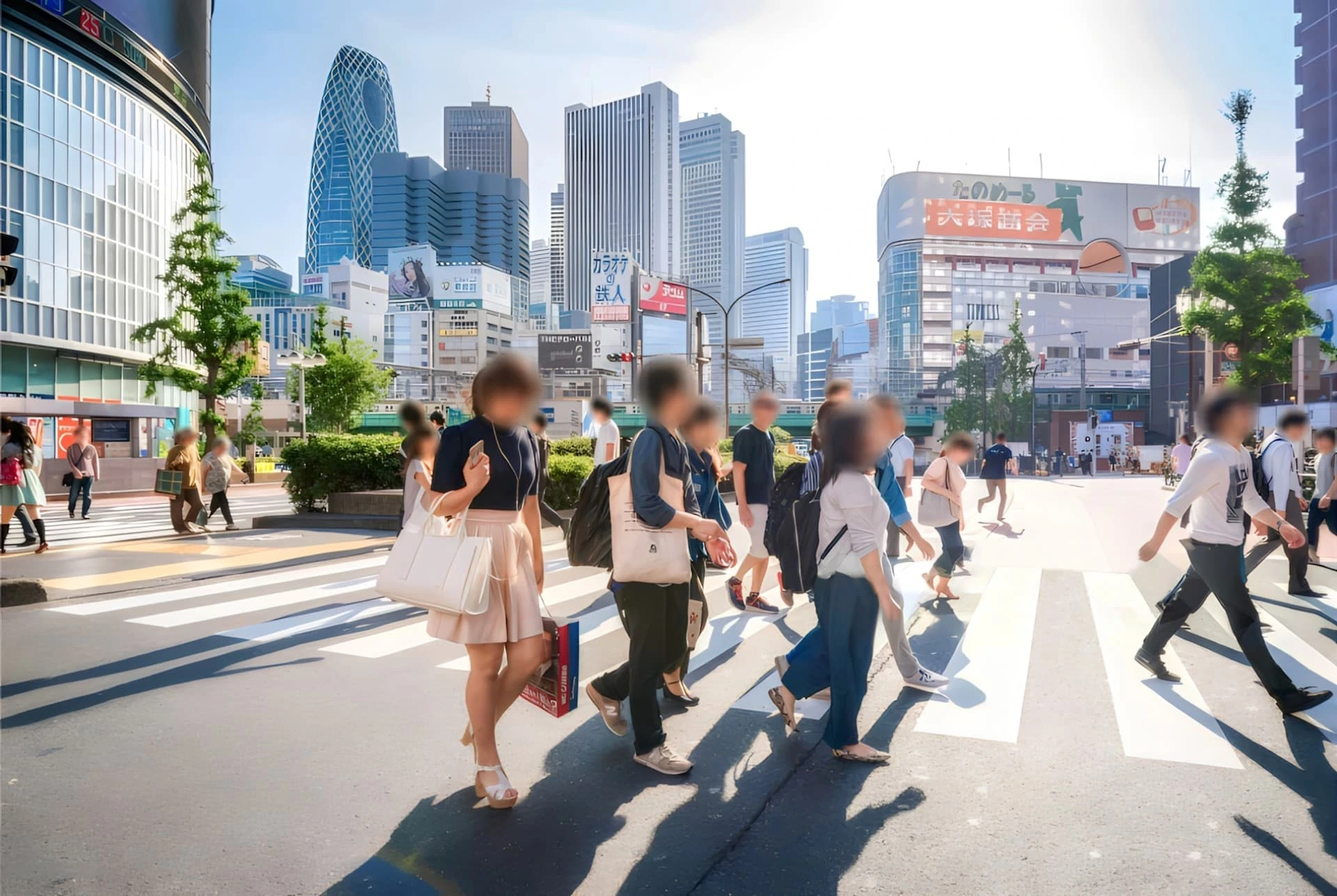
Easily blur your images and videos online with Blurit Studio and edit them directly in your workspace. Adjust the detections to get the exact result you need

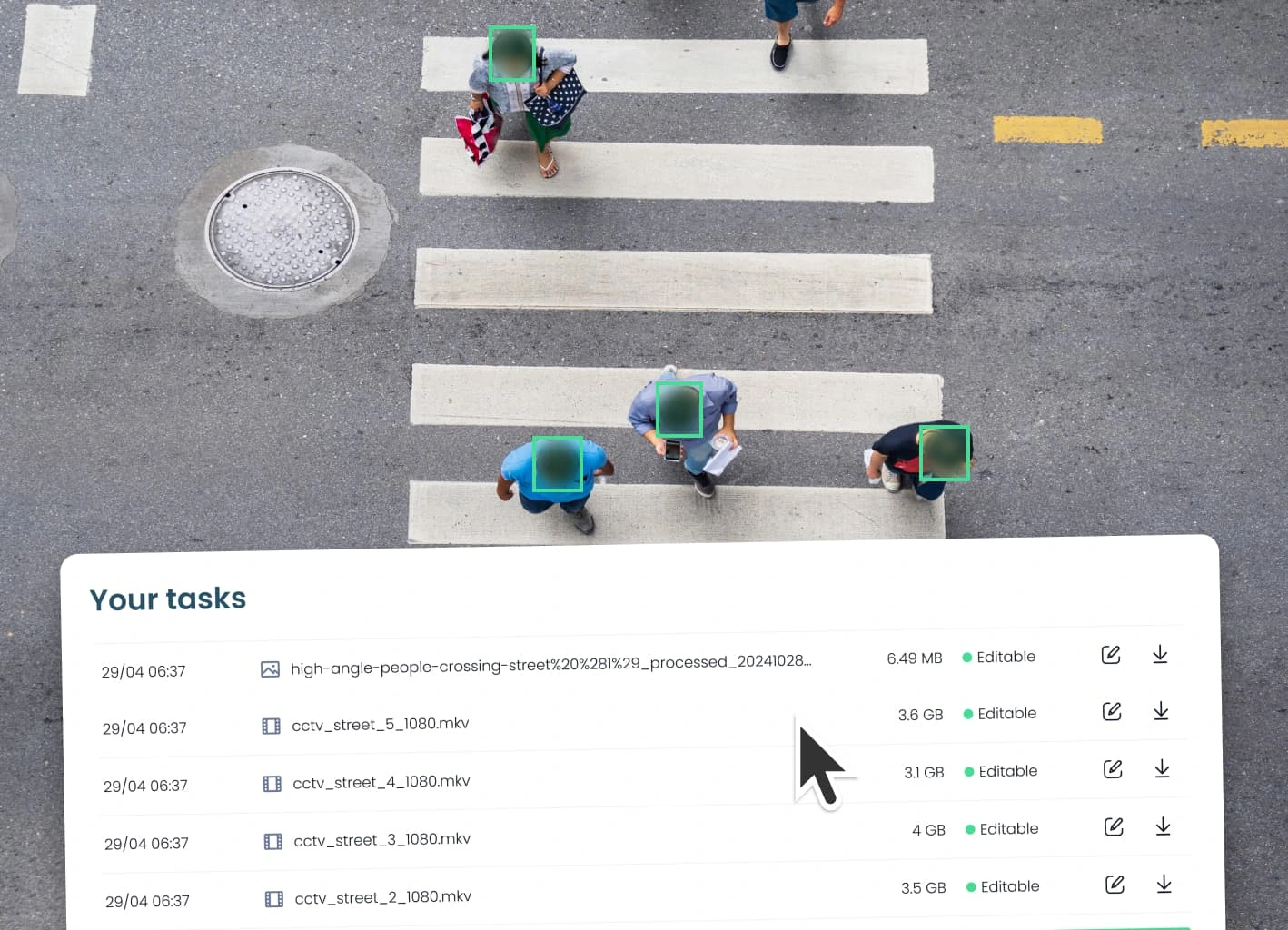
Edit Your Large Files without Restrictions
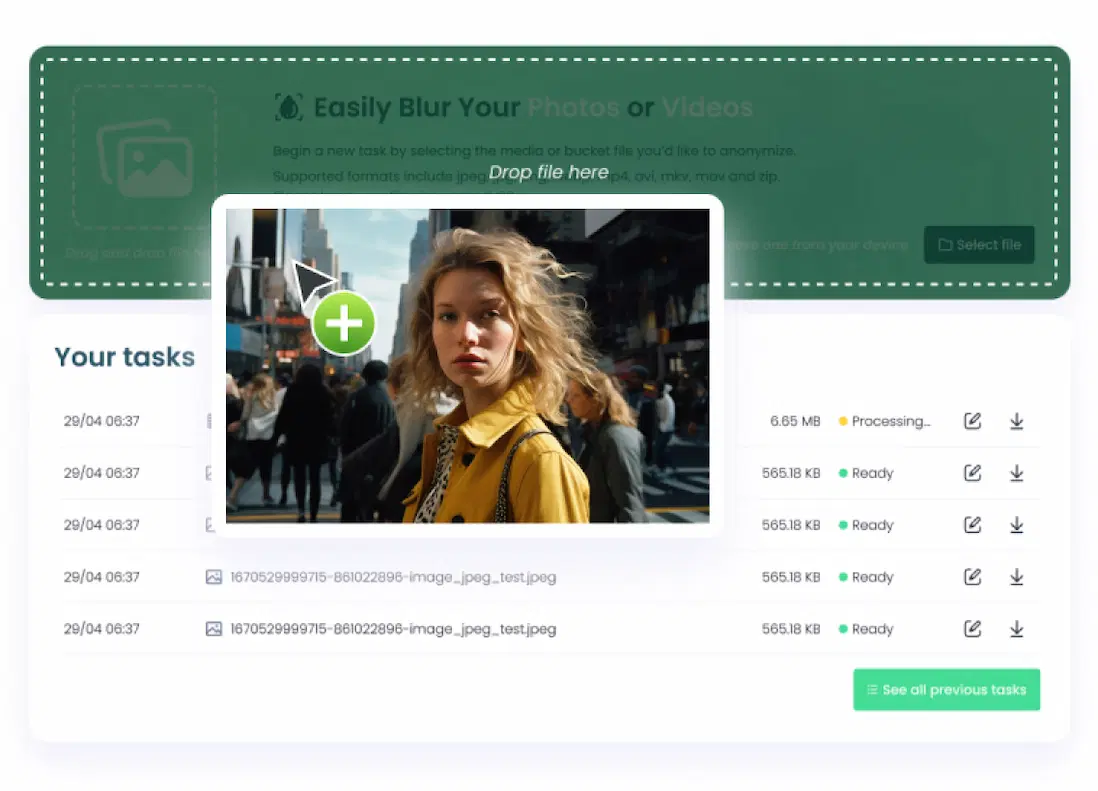
Whether it's one or two photos, or even large videos, take advantage of our ability to process video files up to 8GB (compatible with all supported image and video formats). With our ZIP feature, you can process thousands of images and videos in one go, saving you time and boosting your efficiency.
Installation
How Does It Work?
Security
Privacy & Hosting
While using our anonymisation solution, the privacy of your data remains our primary concern.
- The platform that hosts the processing and the hosting are located and compliant with the EU privacy regulation laws
- Blurit meets IT security standards by making sure that requests are encrypted with https protocol
- The blurring algorithm we apply is irreversible. Once blurred, the image can’t be unblurred
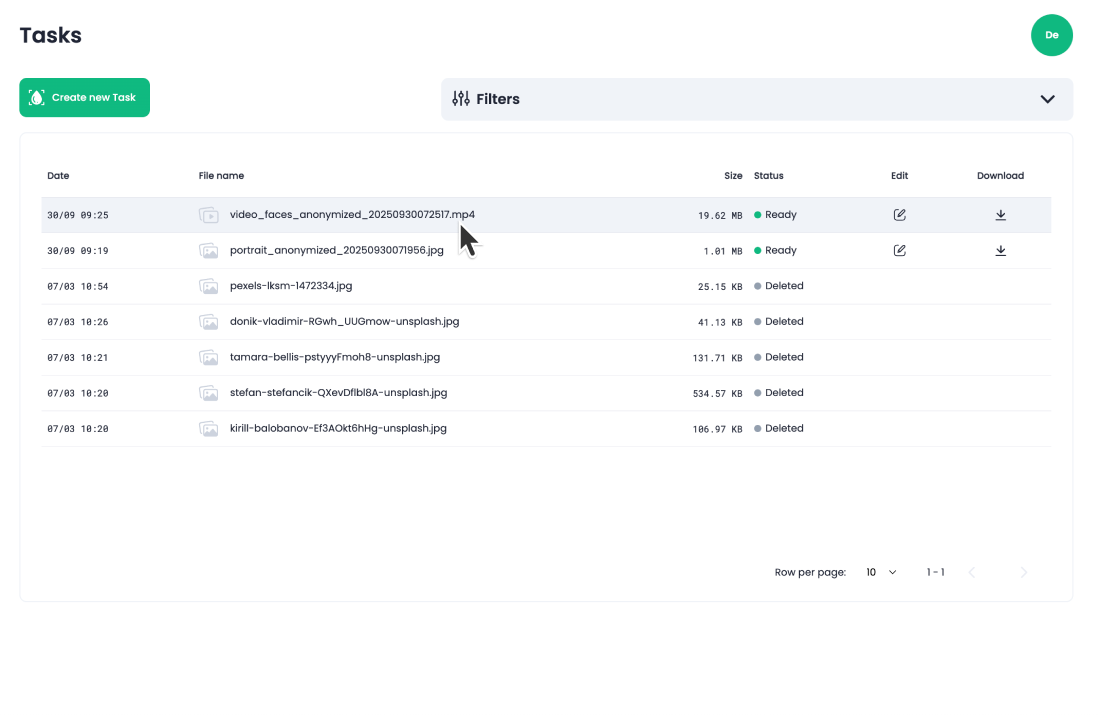
- Once processed, you have the option to immediatly and permanently delete files. Anyway, they will be automatically and permanently deleted after 7 days
- Blurit doesn't use your files for internal works or studies
- Blurit doesn’t sell nor share any data
FAQ
Find Your Answers
Find all the answers to questions about Blurit, for both functional or technical aspects. If you do not find the answer you are looking for, feel free to reach out to us via our contact page.
Features
What types of files can I upload?
You can upload common image and video formats. For images, we support JPEG, JPG, PNG, and WEBP. For videos, we accept MP4, AVI, MKV, and MOV files.
Can I process multiple files at once?
Yes! Simply place your files in a ZIP archive, and we’ll process them in one go.
Is there a size limit for the files I can upload?
Yes, we process files up to 8GB, so you can work with both small and large projects.
What are the anonymization options?
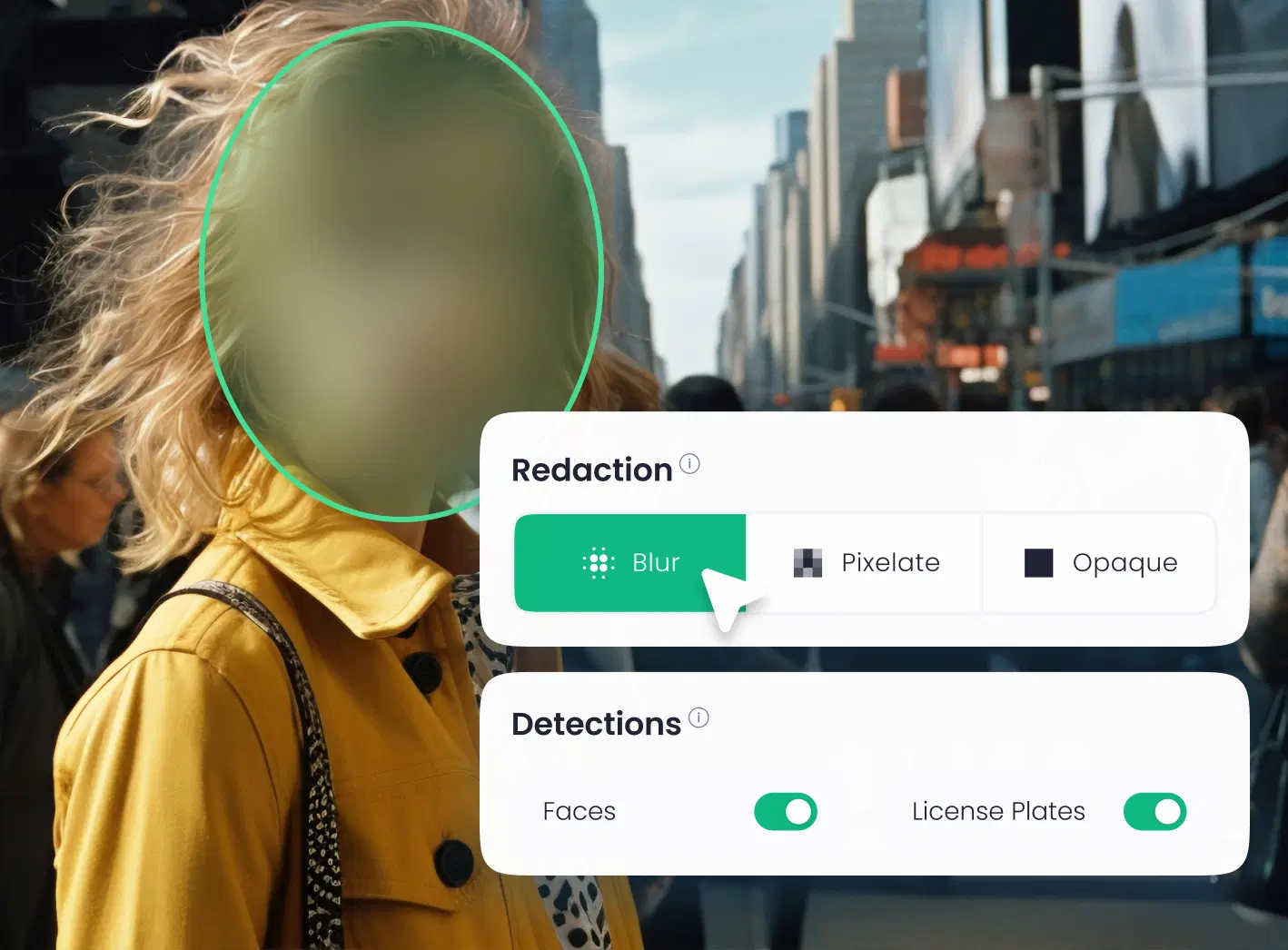
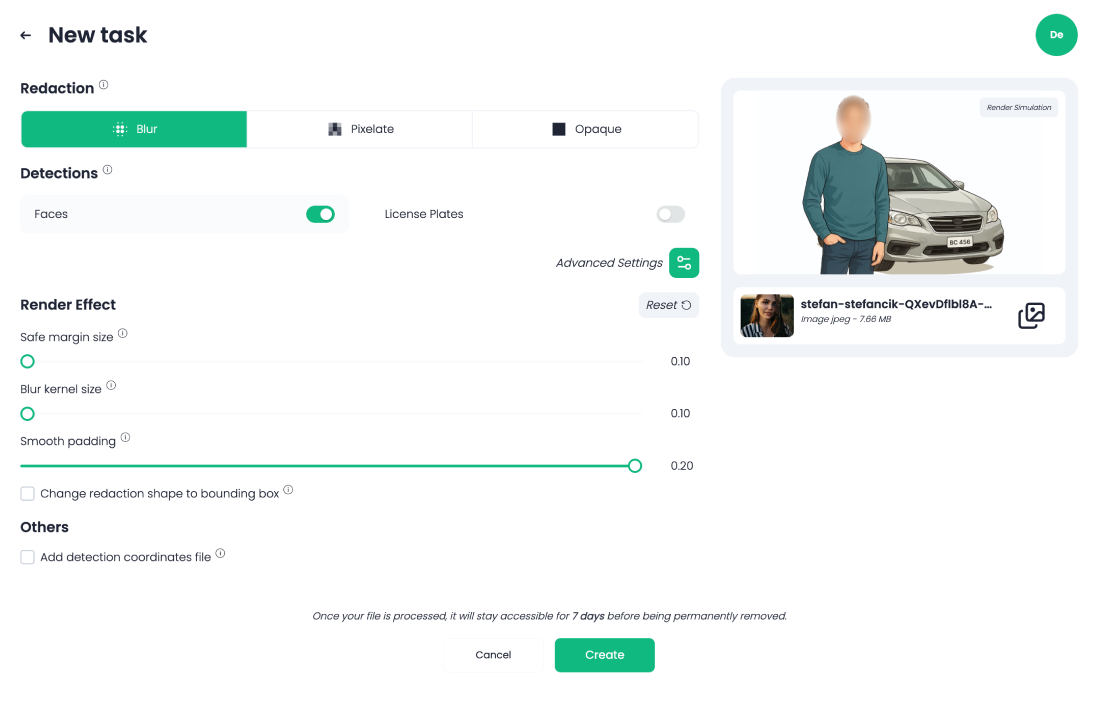
We offer three types of anonymization Classic Blur, Black box, Pixelation.
Usage
Do I need any technical skills to use this tool?
No technical skills are required! Our platform is designed to be simple and user-friendly, making it easy for anyone to edit images and videos.
Can I edit my video and save the changes?
Yes, you can edit your videos and images and save your changes as often as needed. However, once the file is exported, further modifications to the video or the detections will no longer be possible.
How do I deactivate a detection?
To deactivate a detection, simply click on the detection box. The box will turn yellow, indicating that the detection has been successfully disabled.
Privacy
Data Privacy
Your data is fully protected. We never access it or use it to train our models. Respecting our clients' privacy is a top priority.
File Storage and Deletion
We store your data for 7 days. After this period, it is automatically and permanently deleted from our servers.