
Plugins Built for Industry-Leading Software
Expand your creative toolset with plugins that work seamlessly with your editor
Coming Soon!
You are now subscribed to Blurit Plugin waiting list.
We will get back to you shortly.Subscribe to Blurit Plugin waiting list
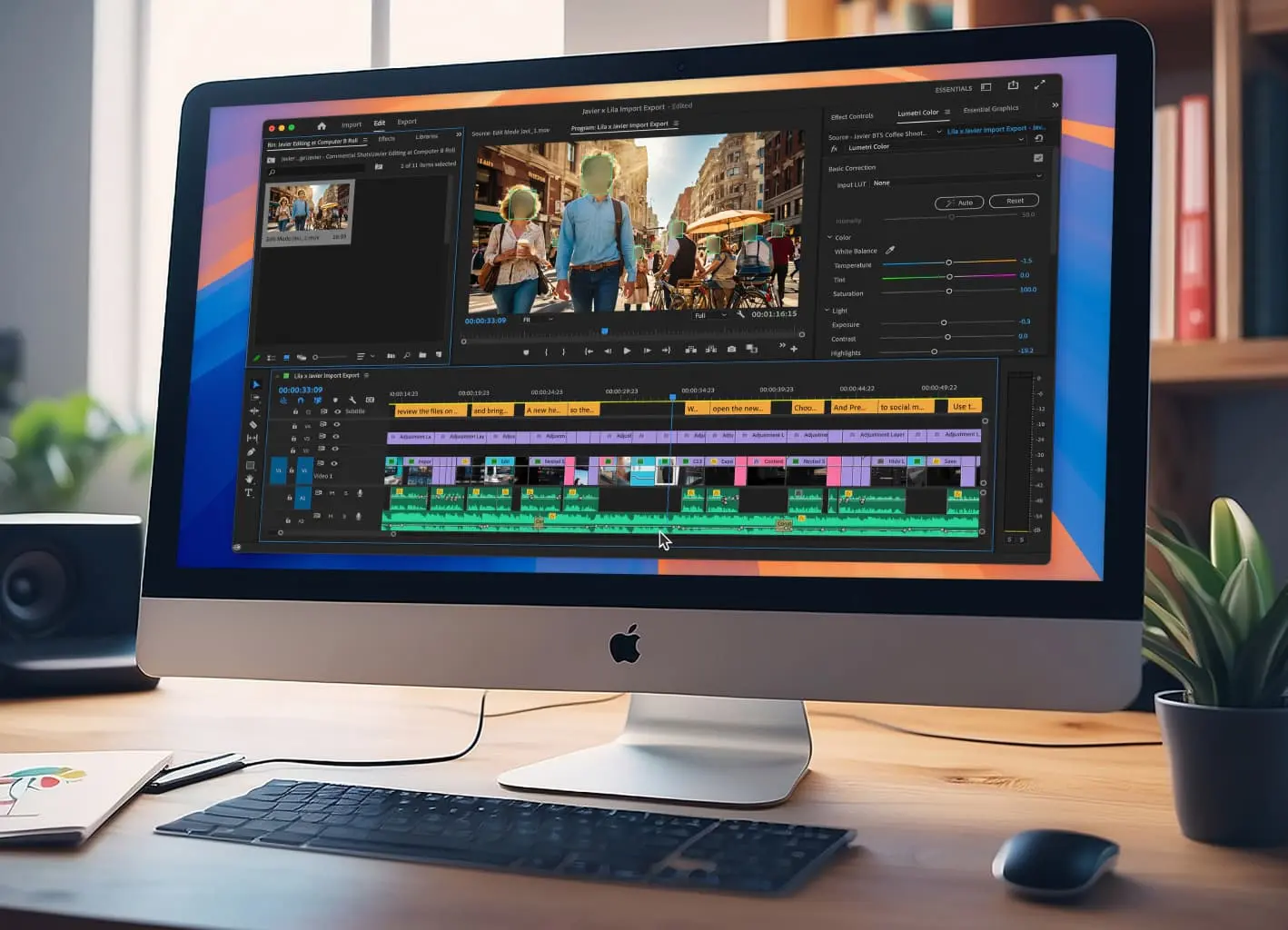
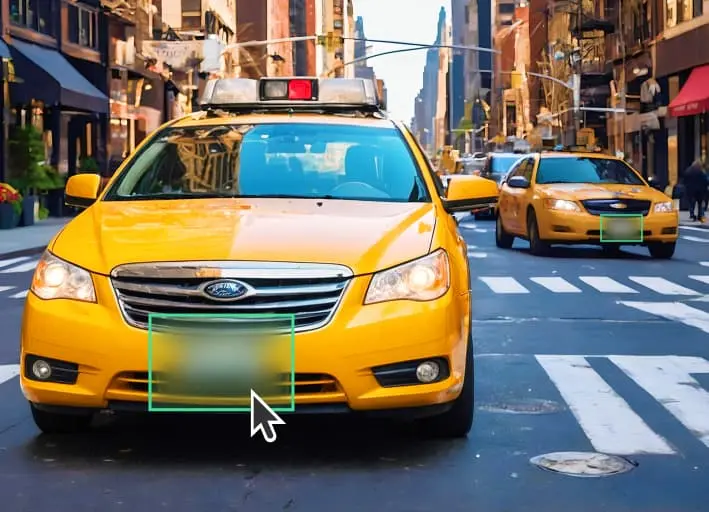
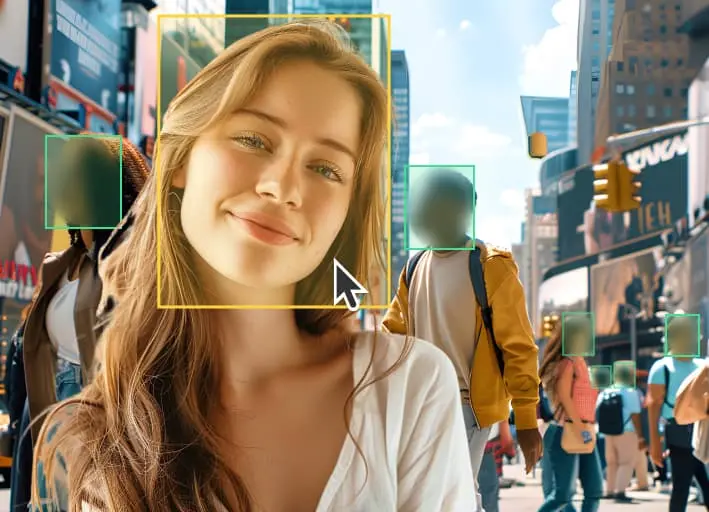
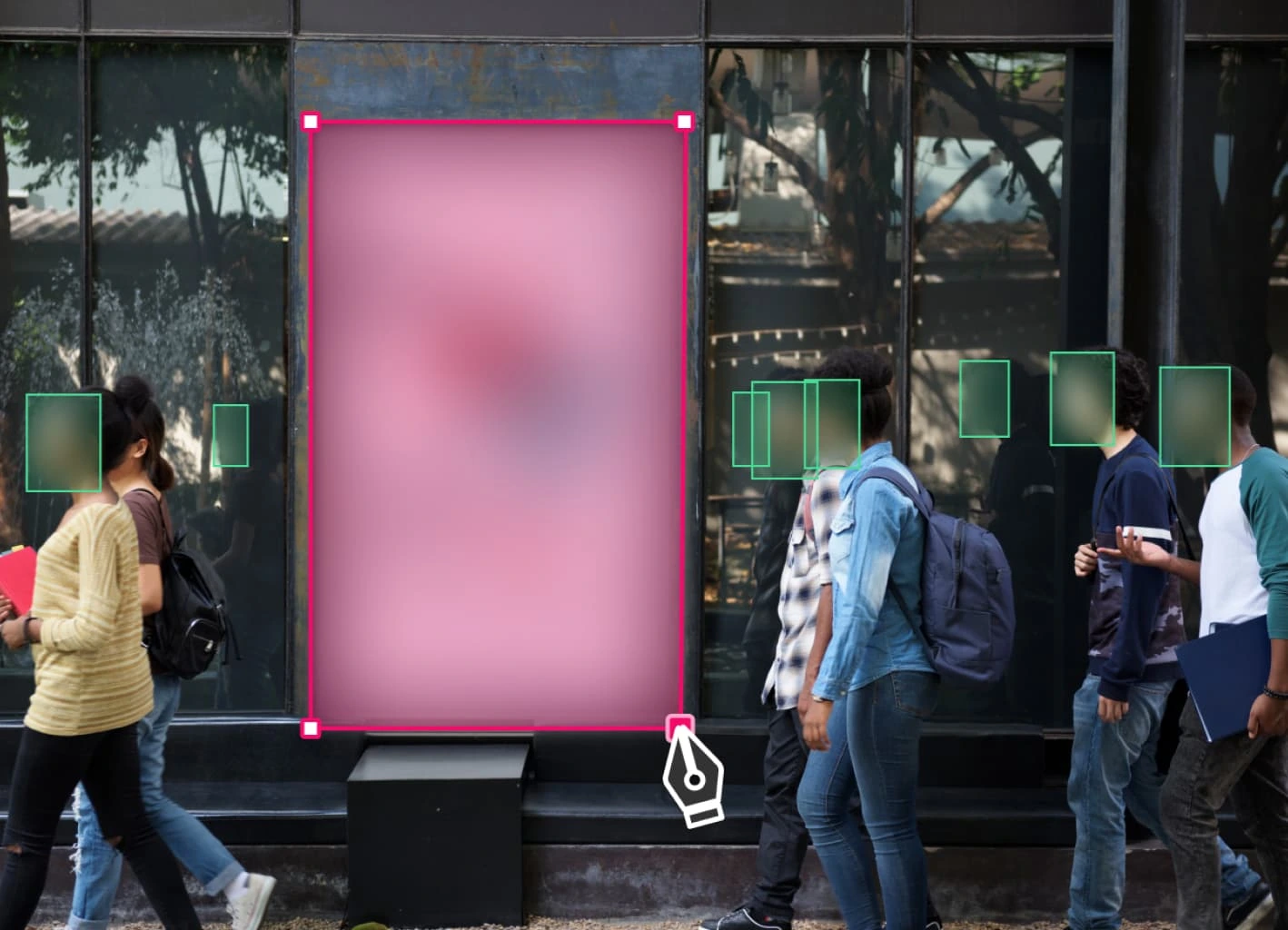
Manually Set Blurring Zones for Precise Privacy Protection
Define specific zones in your videos to blur faces, license plates, and other sensitive objects. Our easy-to-use feature lets you manually set detection areas for precise anonymization, giving you complete control over what remains visible.
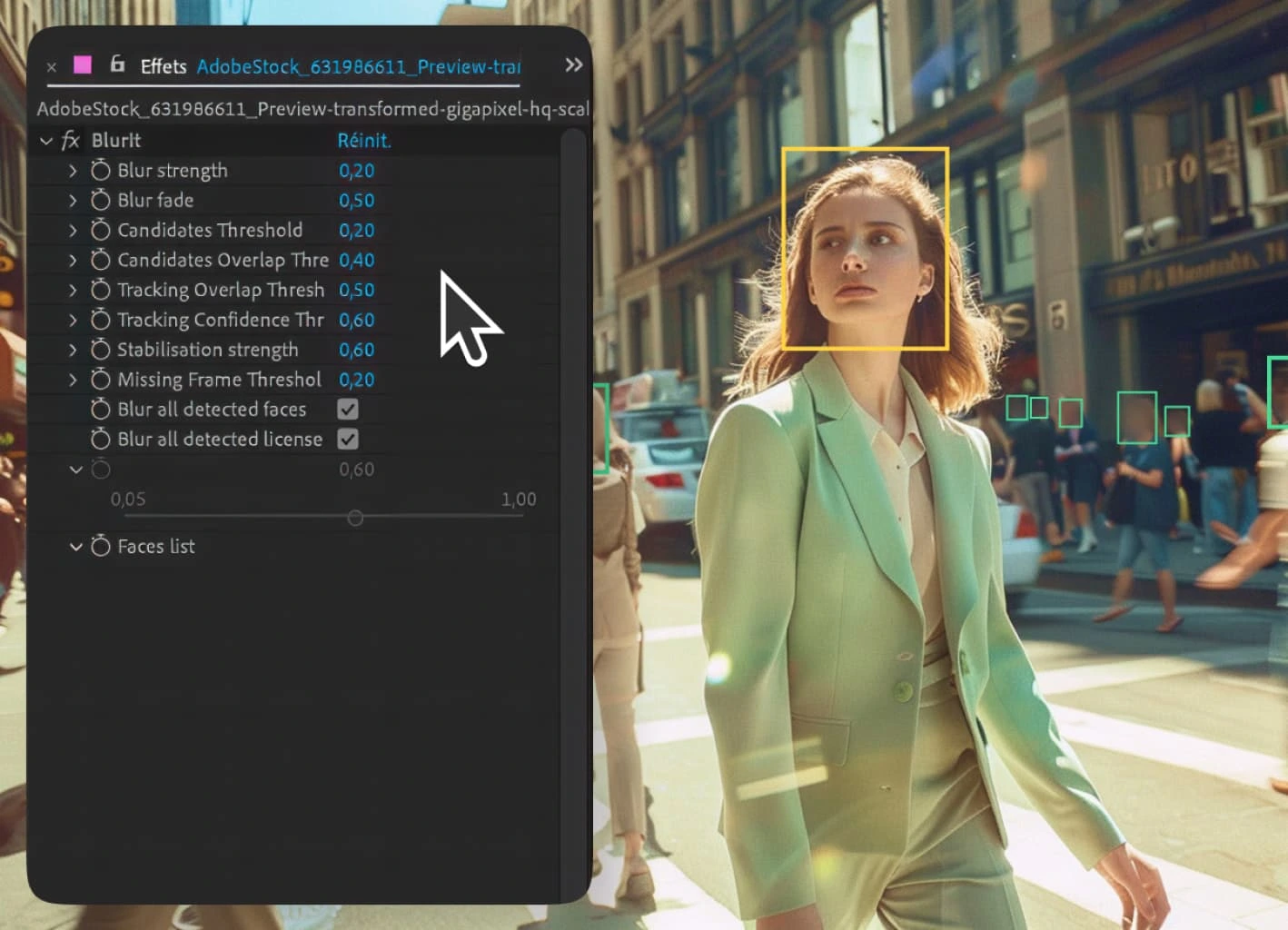
Quick and Intuitive, Add and Adjust Your Blur Areas
You can adjust already detected detections according to your needs. You can also add detection of any objects besides faces and license plates and you can delete them also.
Gain Weeks of Manual Editing with Blurit Plugin
Installation
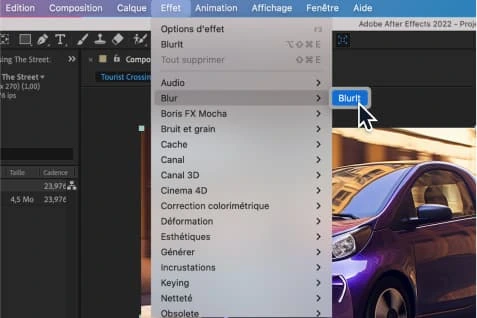
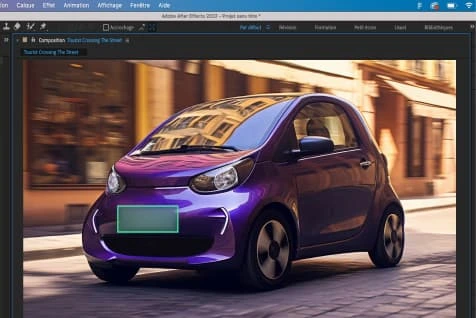
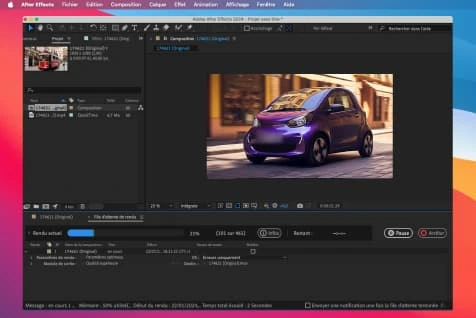
How Does It Work?
System requirements for Blurit Plugin
Hardware
- GPU Card recommended
- Nvidia, AMD / Mac M1, M2, M3, ...
- Memory recommended
- >16 Go
- Storage
- 250 Mo
Software
- Operating system
- Windows 10 & 11 / macOS 13
- Adobe
- Premiere Pro version starting from 2022
- Avid
- Media Composer latest version 2024.6
Advantages
Why Choose Us?
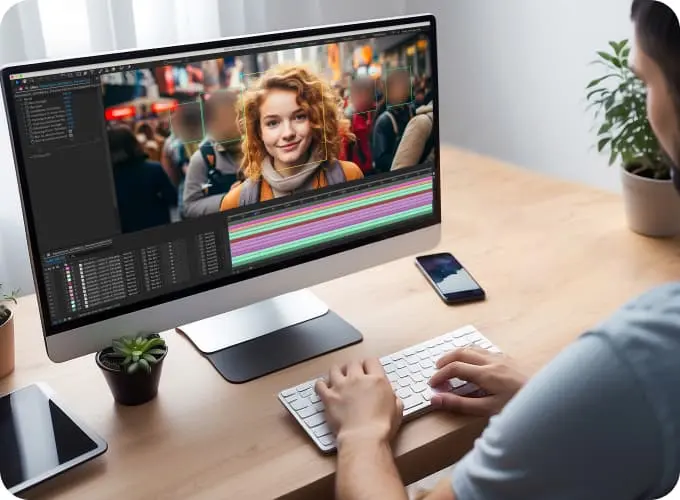
Easy to Use
Blurit offers an intuitive and user-friendly experience, ensuring ease of use for all.
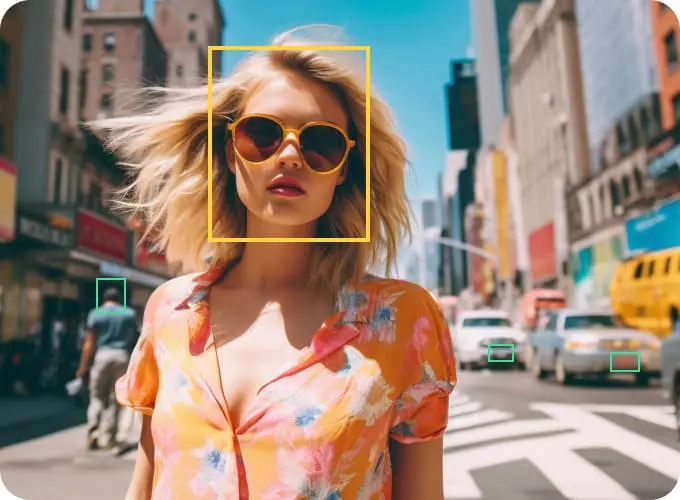
Editing Interface
Blurit user-firendly interface streamlines video editing for users of all levels, saving time and ensuring a hassle-free experience.
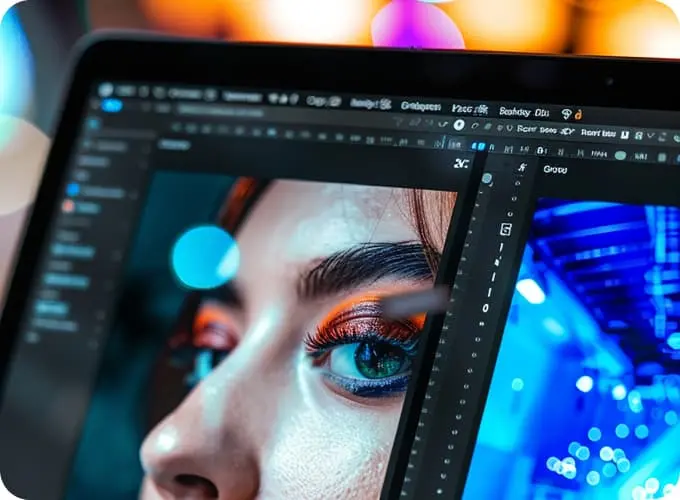
Detection Settings
Customize object, face and license plate detection settings for precise results.

Unlimited Usage
Enjoy unrestricted access to Blurit’s features for extensive project use.

Offline Usage
Work on video editing projects without the need for a constant internet connection.
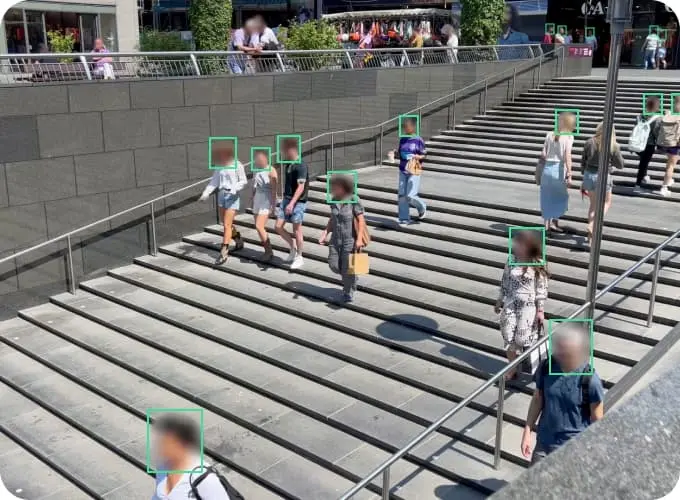
Data & Privacy
Blurit prioritizes data security, safeguarding your content and personal information during the editing process.

Coming Soon!
We're working on it!